Access control for small business, without the theatre
Choosing between tags, biometrics and intercoms for a South African small business — what each one solves, what it costs to run, and where they fail.
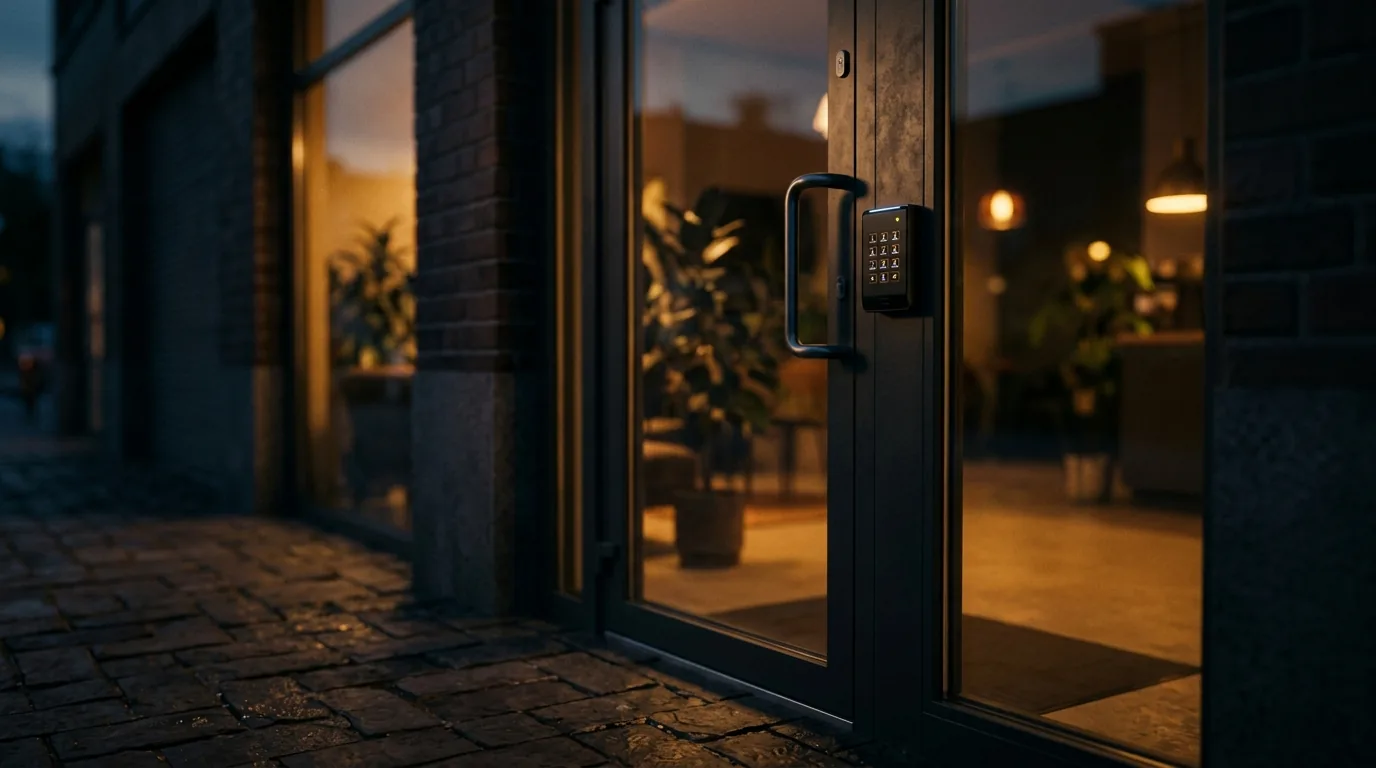
Most small businesses do not have an access problem. They have a key problem: too many keys, in too many hands, with no record of who came in and when. Access control is worth buying when it solves that, and worth skipping when it is bought as a statement.
The short version
- The real value is the log, not the lock. Know who entered, when, and through which door.
- Biometrics remove the shared-credential problem that tags never fully solve.
- Every access system needs a documented failure mode — what happens when power goes.
- Personal information collected at the door falls under POPIA. Plan for it before you install.
- Access control without a leaver process is a list of ex-employees who can still get in.
Start with the problem, not the product
Before comparing readers, write down what actually goes wrong today. For most small premises it is one of four things: keys have been copied and nobody knows how many exist, staff who have left were never fully off-boarded, there is no record of who was on site when something went missing, or after-hours access is uncontrolled because someone needs to get in early.
Each of those has a different answer. Copied keys point at credential replacement. Poor off-boarding points at a system with a real user database. A missing record points at logging. After-hours access points at time-based rules. A system bought without naming the problem tends to solve none of them well.
Tags, cards, PINs and biometrics
Every access technology is a trade between convenience, cost and how easily the credential can be shared or lost. There is no universally best answer; there is a best answer for your door and your staff.
| Type | Strength | Weakness | Suits |
|---|---|---|---|
| RFID tag or card | Cheap, fast, easy to issue and revoke | Shared and lost easily | Larger teams, low-risk doors, visitor passes |
| PIN code | No hardware to issue | Shared almost immediately, shoulder-surfed | Backup credential, low-traffic doors |
| Fingerprint | Tied to a person, cannot be lent | Struggles with worn or wet hands, dust | Staff doors, time and attendance |
| Facial recognition | Hands-free, hard to share | Lighting sensitive, higher cost, more privacy weight | Main entrances, higher-value areas |
| Mobile credential | Nothing extra to carry, easy to revoke | Depends on phones and batteries | Small teams, managers, after-hours |
WSN note:The most common real-world failure is not a defeated reader. It is a credential that was never revoked when somebody left.
The log is the product
What separates access control from a good lock is the record. A system that tells you which credential opened which door at what time turns a vague suspicion into a specific question, and it does so without anybody having to watch anything.
For that record to be worth having, it needs three properties: accurate time, meaningful names, and retention long enough to be useful. Door names should describe the door as staff describe it. Users should be named people rather than "Tag 14". And the clock should be checked, because a log with drifting time is much weaker evidence than one without.
- Named users, not numbered credentials.
- Door names that match how people refer to them.
- Verified system time, re-checked periodically.
- A retention period you have chosen deliberately.
- A defined process for who may pull a report, and why.
Decide the failure mode before you install
Every electrically controlled door has to answer one question: when the power goes, does it fail secure or fail safe? Fail-secure keeps the door locked, which protects stock and equipment. Fail-safe releases it, which protects people. The right answer differs door by door, and it is frequently a life-safety and building-code question rather than a preference.
The related question is how anyone gets in or out when the system itself is down. There must be a documented, tested mechanical override, and the people who need it must know where it is. An access system whose failure mode nobody has discussed is a liability wearing the costume of a security upgrade.
- 01Decide fail-secure or fail-safe per door, and write down why.
- 02Confirm emergency egress is never dependent on the access system.
- 03Fit and test a mechanical override; make sure key holders know it exists.
- 04Size battery backup for a realistic outage, not a token one.
- 05Fit surge protection — controllers and readers are as vulnerable as any other board.
POPIA at the door
An access control system collects personal information: names, times of arrival and departure, and in the case of biometrics, information derived from a person’s body. Recording that information is processing under POPIA, which means a small business needs a purpose, proportionality, security and transparency around it — the same principles that apply to CCTV.
In practice that means telling staff what is collected and why, keeping it only as long as it serves that purpose, restricting who can view it, and thinking twice before biometrics where a tag would do. Biometric data carries more weight than a card number, and the decision to collect it should be a deliberate one rather than a default that came with the reader.
- State the purpose of the system in writing to staff.
- Restrict who can view and export access reports.
- Choose the least intrusive credential that solves the problem.
- Set a retention period for logs and stick to it.
- Remove leavers on their last day as part of a checklist.
Intercoms and the visitor problem
Staff access and visitor access are different problems and are best solved separately. Staff need speed and a record. Visitors need identification before the door opens, and somebody accountable for opening it.
IP intercoms have made this considerably easier for small premises: a call can be answered on a phone, the caller can be seen before entry is granted, and the event can be recorded alongside the camera view of the door. The failure mode is worth planning too — what happens to visitors when the network is down, and who has authority to let somebody in manually.
What to do first if the budget is small
On a tight budget, the highest-value sequence is usually the same. Secure and log the one door everybody uses. Get the user list accurate and the leaver process working. Add a camera that sees faces at that door. Only then extend to secondary doors, time rules and additional credential types.
Doing one door thoroughly beats doing four doors partially, because the partial version produces a log nobody trusts — and an access record nobody trusts is not evidence.
WSN note:If you take one thing from this: the access system is only as good as the day somebody leaves the company. Build that step into the process before you buy the readers.
Common questions
Is biometric access control worth it for a small business?
It is worth it where shared credentials are the actual problem, because a fingerprint or face cannot be lent to a colleague. Where the problem is logging or after-hours control, a tag system with a well-maintained user list often solves it for less.
What happens to my doors during a power failure?
That depends on whether each door is configured fail-secure or fail-safe, and on the battery backup fitted. It should be a documented decision per door, with emergency egress never dependent on the access system.
Does access control fall under POPIA?
Yes. Names, entry times and especially biometric data are personal information. You need a stated purpose, proportionate collection, restricted access to the records and a retention period.
Can access control be linked to CCTV?
Commonly, yes — pairing a door event with the camera view at that moment is one of the most useful integrations available, because it turns a credential number into a picture of who used it.